Title here
Summary here
The System tab provides operational visibility into the app’s background job execution and tools to fix data integrity issues.
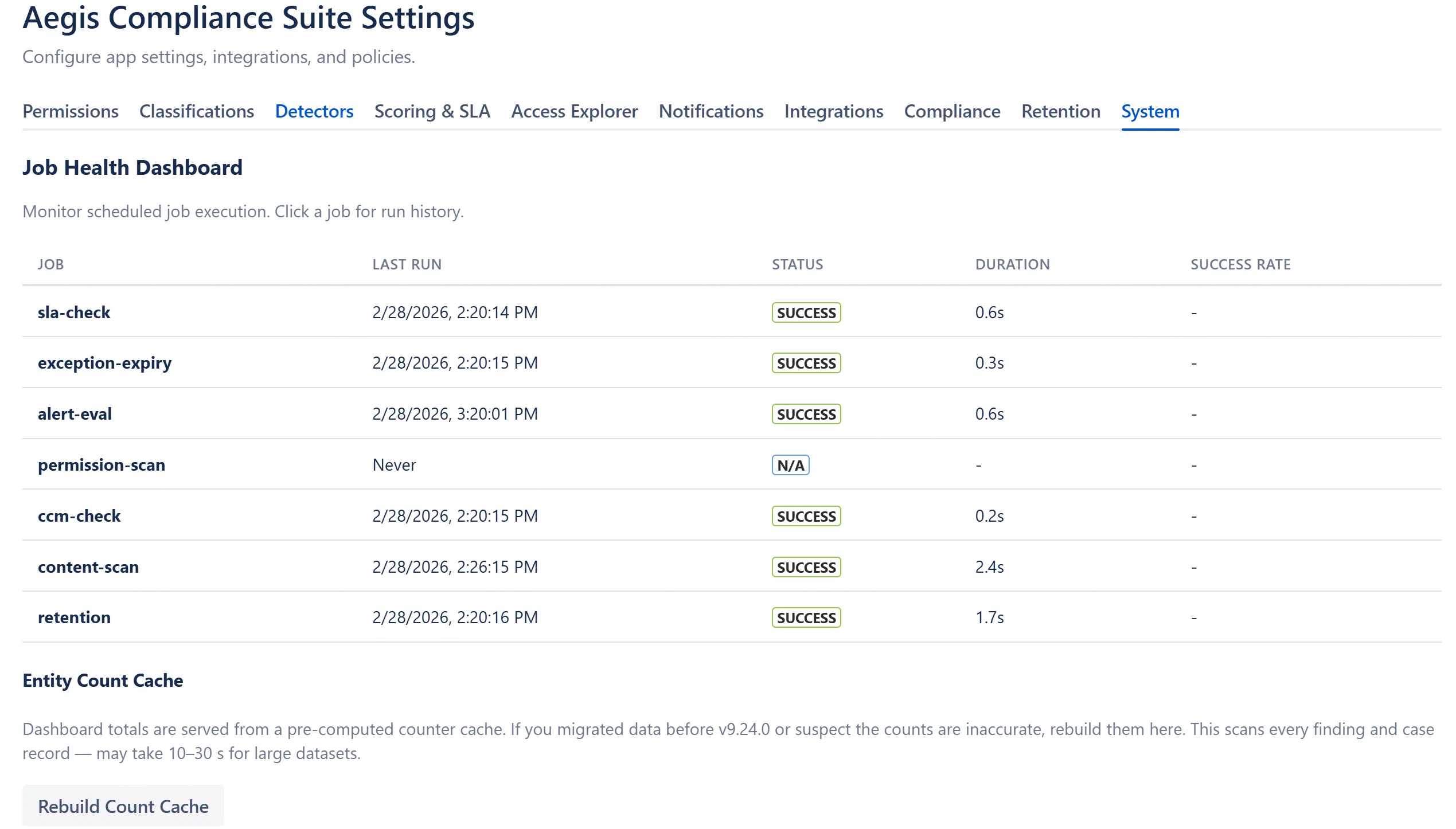
The current version of Aegis Compliance Suite is displayed in the admin page header. The version is also visible in the Atlassian Marketplace app listing and in Forge deployment logs.
The dashboard KPI cards (Active Findings, Active Cases, SLA Breaches, Critical Findings) are served from a pre-computed counter cache stored at app:entity-counts in KVS. This cache is updated atomically by every mutation that changes a finding or case status. In normal operation it stays accurate automatically.
The cache can drift from reality after:
To rebuild:
Note: Rebuilding reads every finding and case entity in the Entity Store, the only full-scan operation in the app. For very large installations, this can take 30+ seconds.