Title here
Summary here
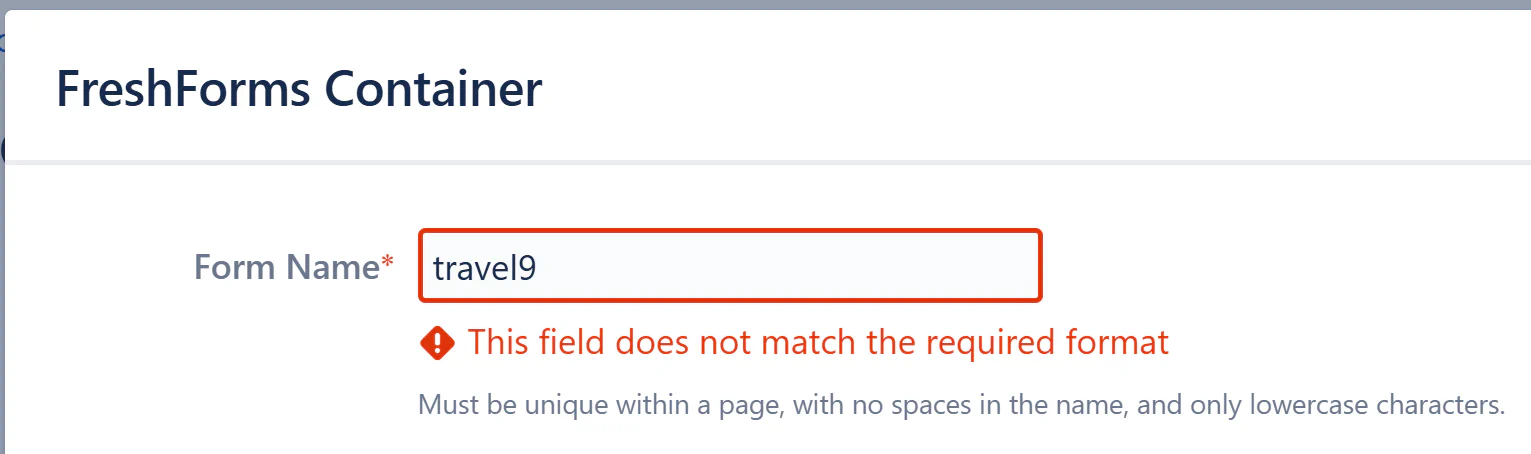
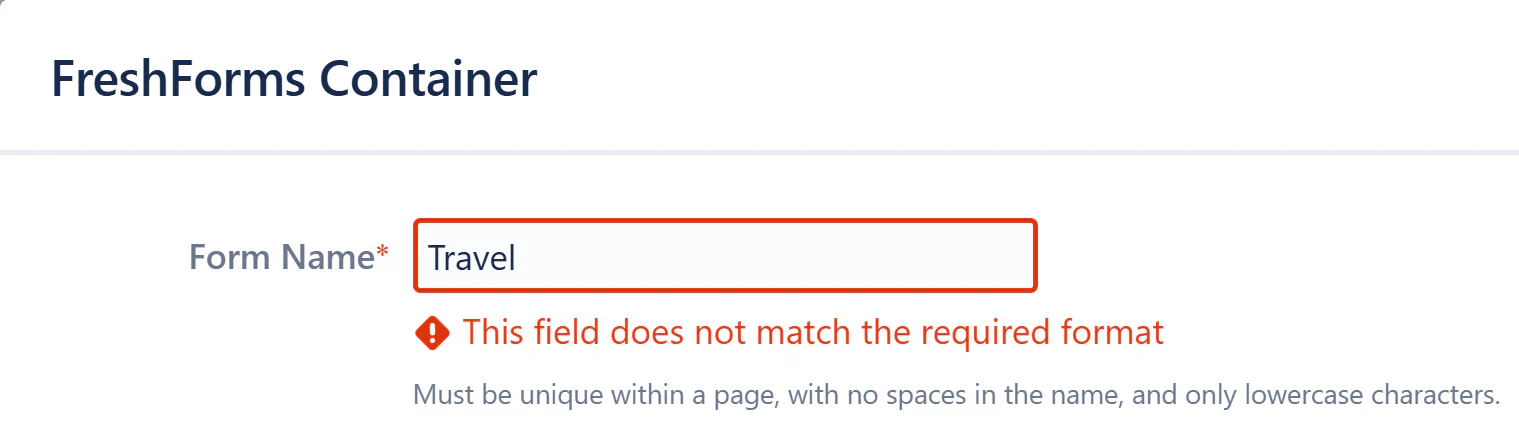
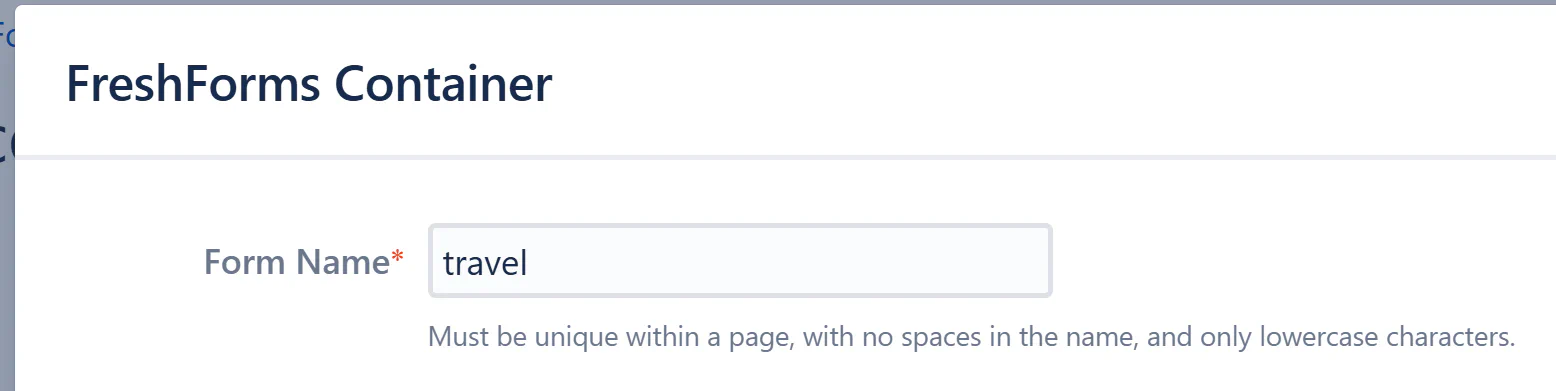
This validation rule ensures that form names are written entirely in lowercase and do not contain special characters. This is crucial to maintain consistency and prevent technical issues related to improper naming conventions.
!@#$%^&*(), etc.).Macro Rendering Error for “FreshForms Form Name”
This field does not match the required format
Error: The form name should be lowercase with no special characters or spaces.
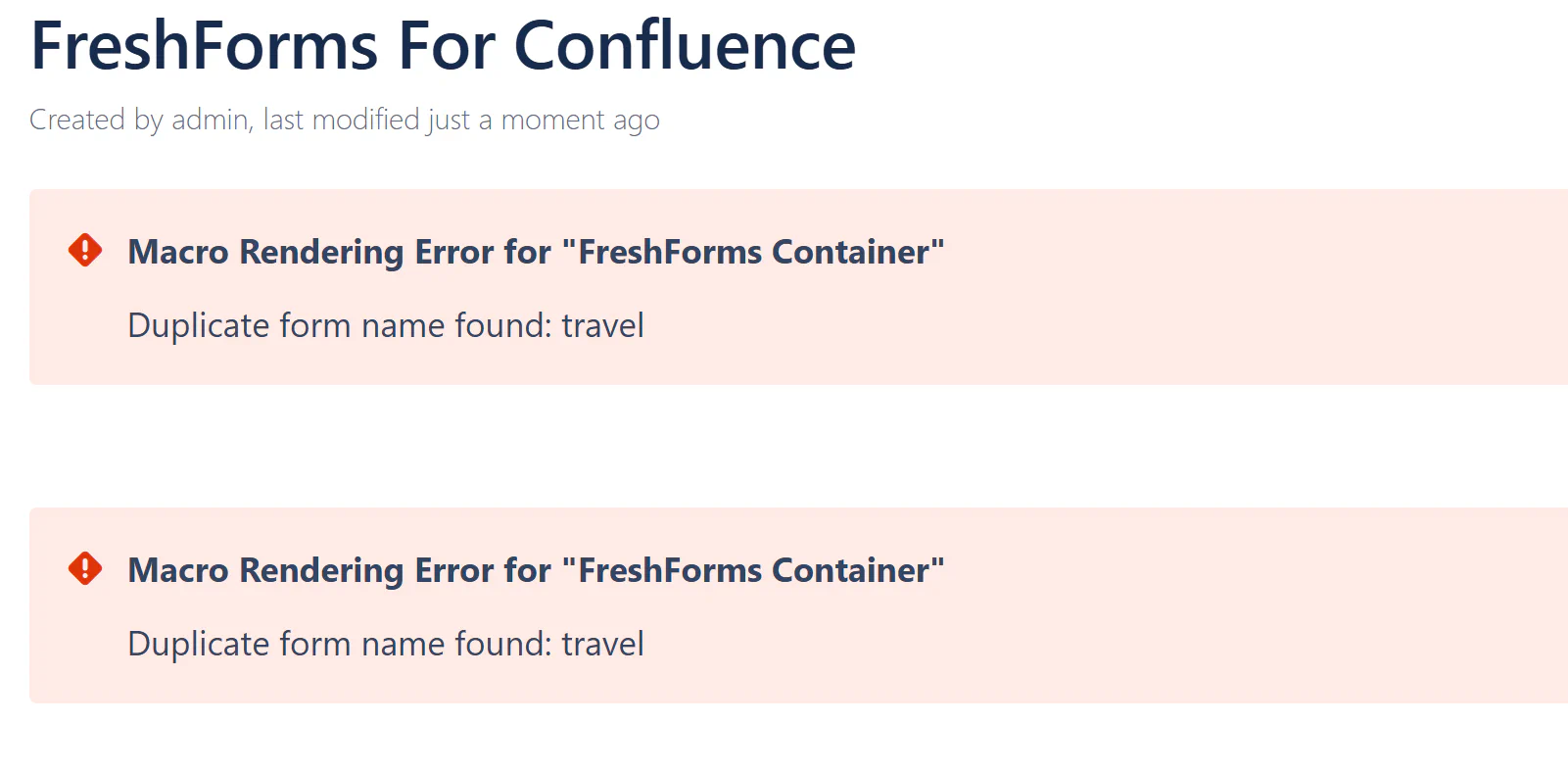
Macro Rendering Error for “FreshForms Container”
Duplicate field name found: name
Error: The field name is already in use in another form.