Title here
Summary here
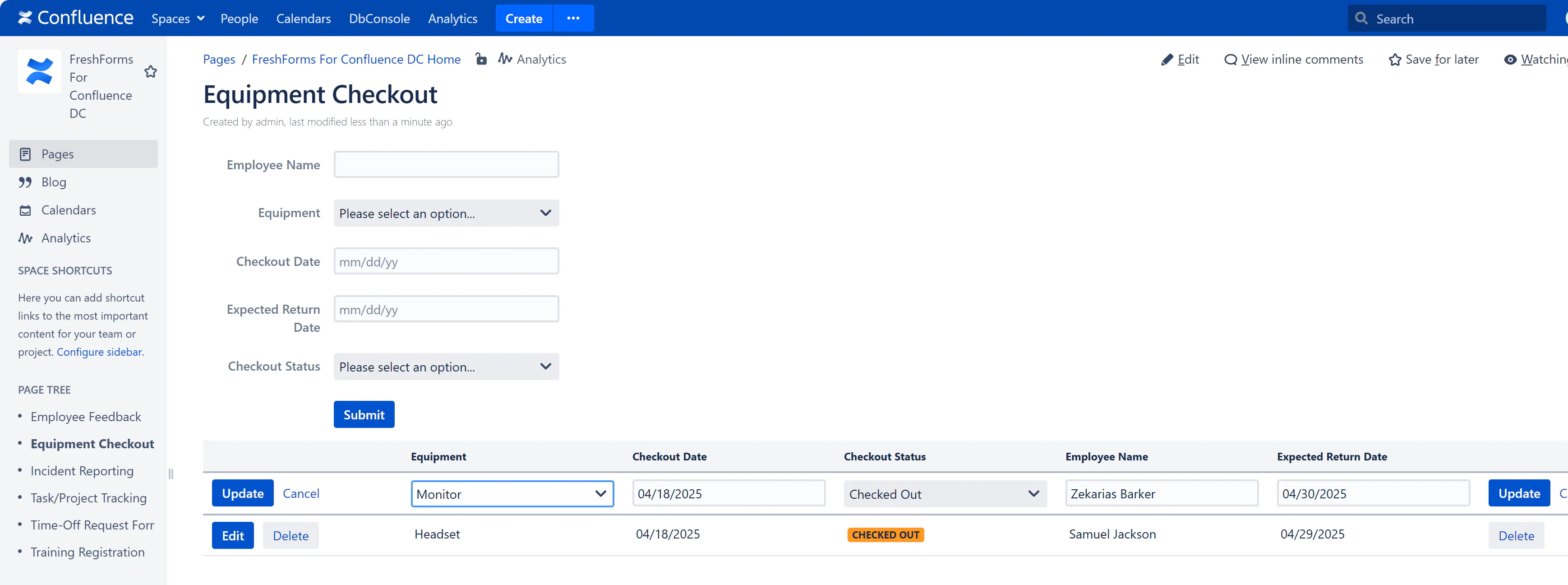
Stay organized by managing equipment loans within Confluence. This use case helps IT, facilities, and admin teams track assets in real time — who has what, when it’s due, and whether it was returned.
Include these fields:
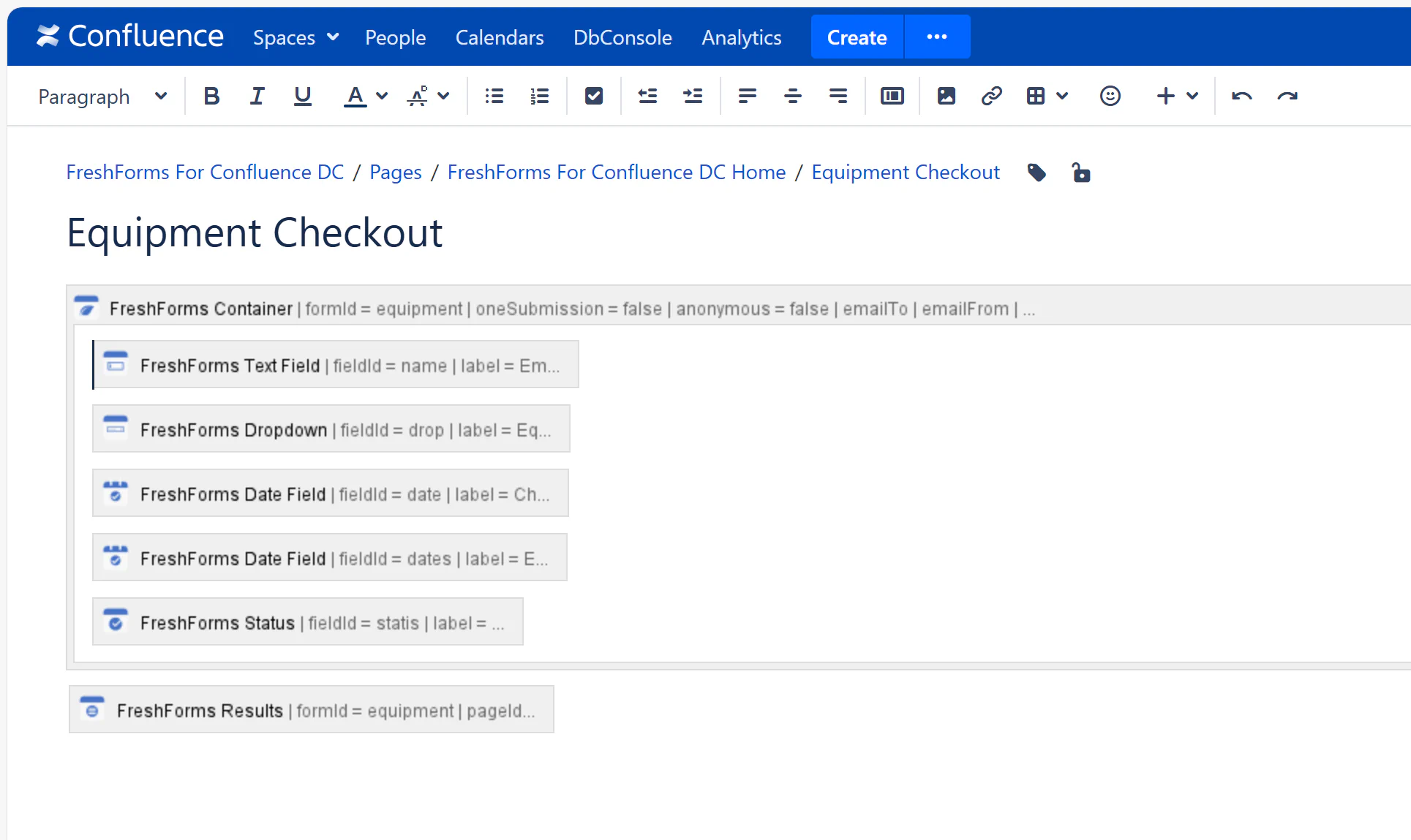
Staff check out equipment and fill in the dates. Dropdown ensures standard naming. Optional conditional fields can ask for return notes if “Returned” is selected.
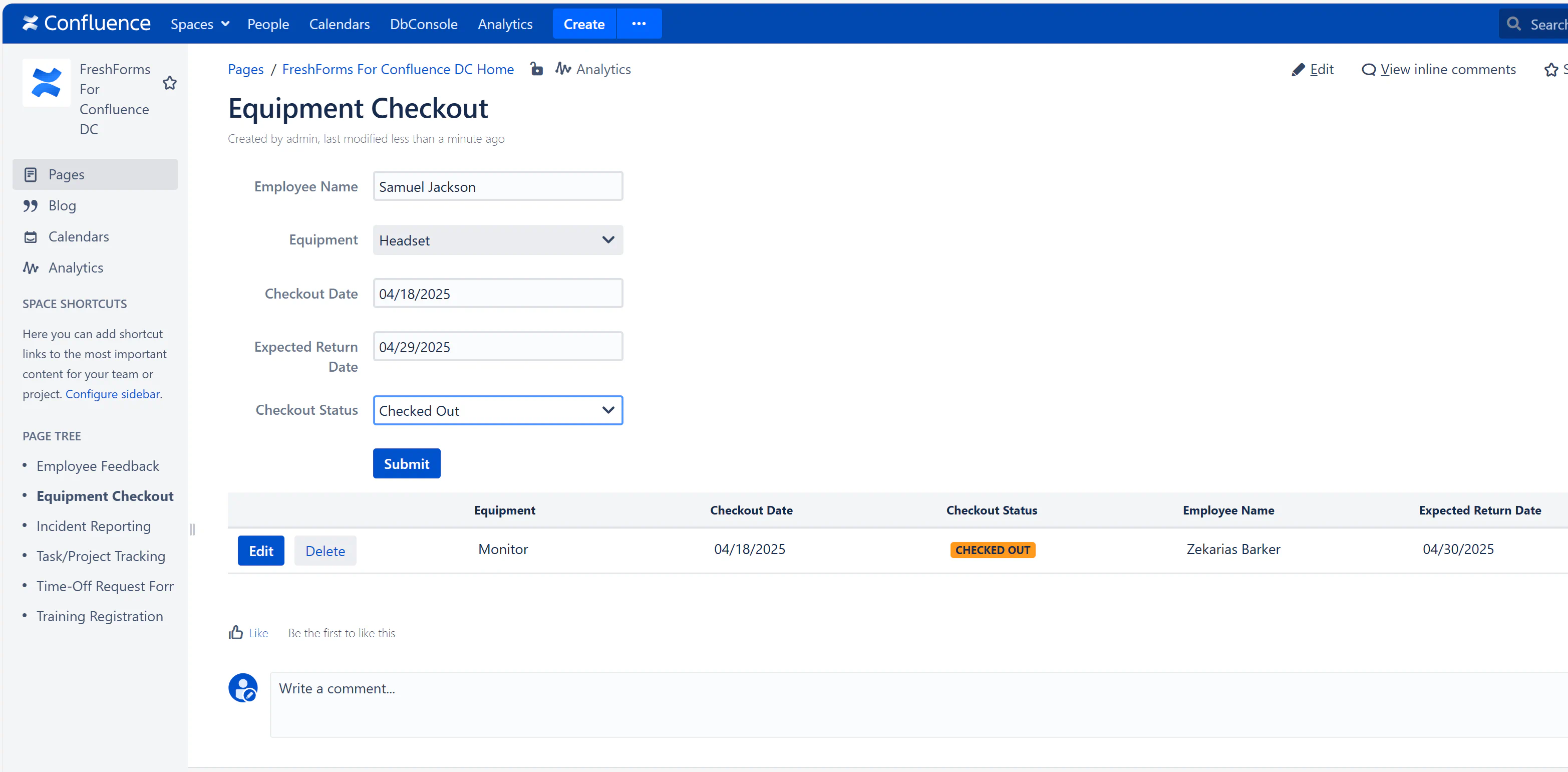
The submissions feed into a sortable results table. This allows admins to keep tabs on overdue items and view the full lending history.