Title here
Summary here
Celebrate team wins, individual milestones, and recognize great work — all right in Confluence. This lightweight recognition system boosts morale and encourages a culture of appreciation.
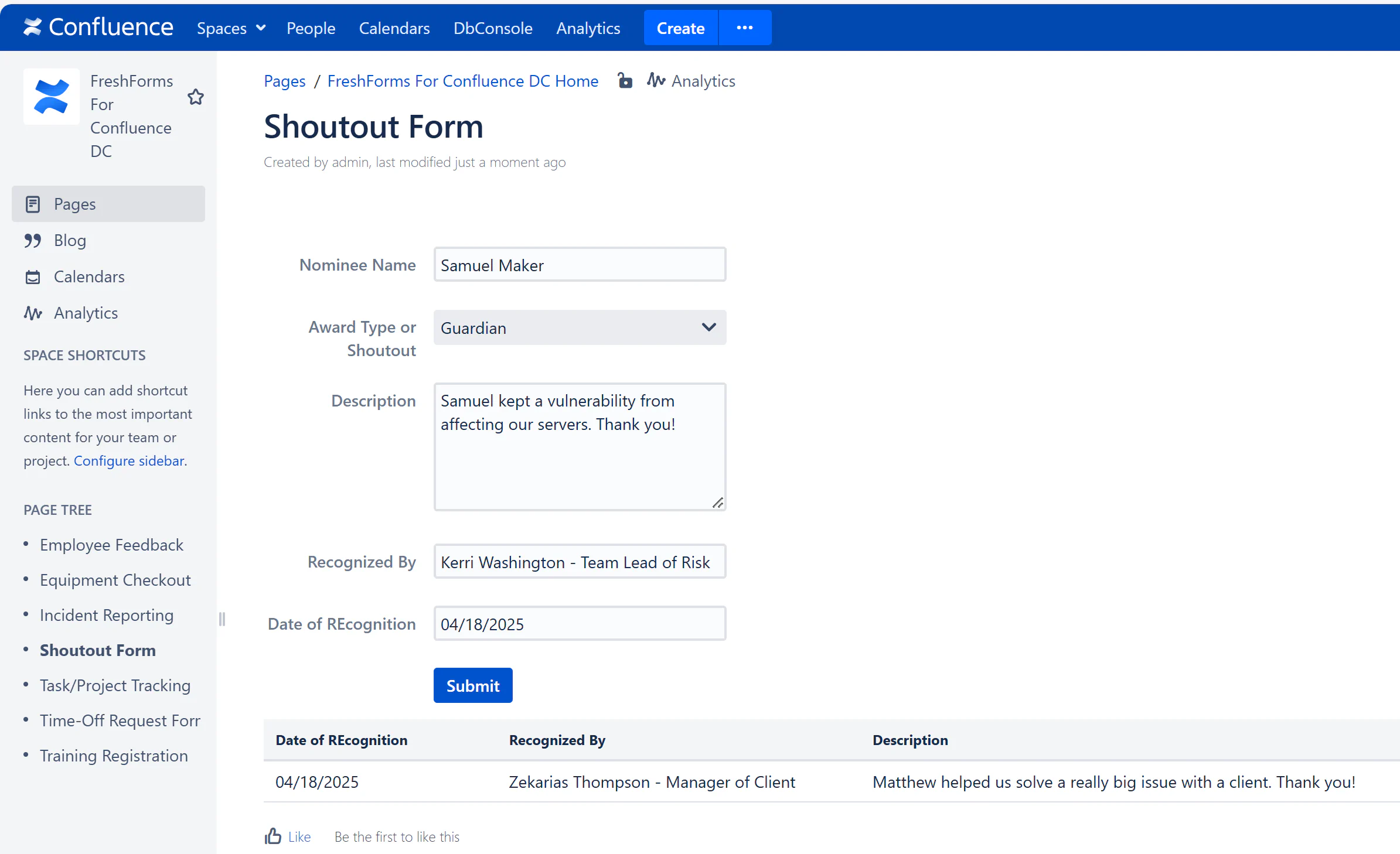
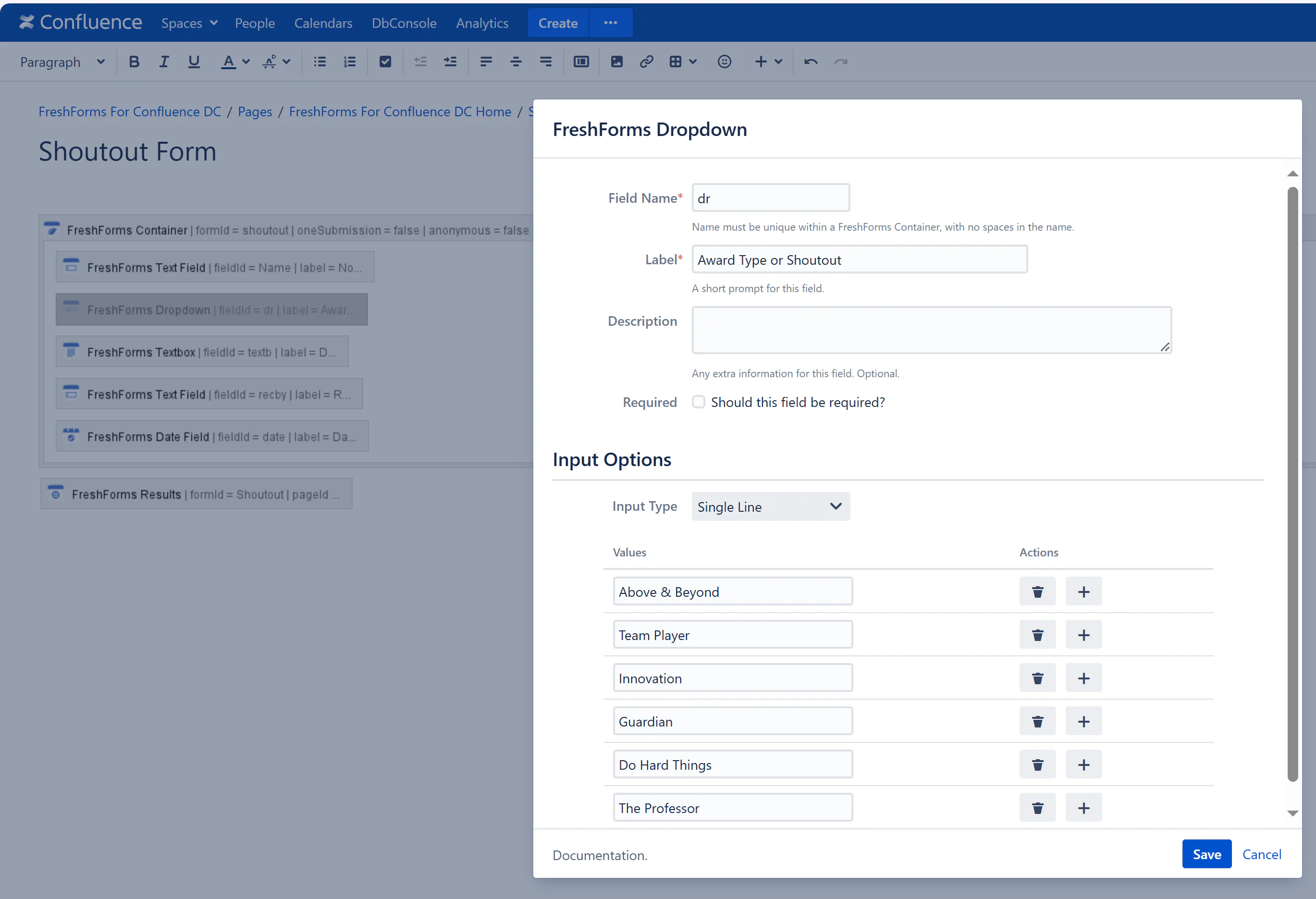
Build a form that makes it easy to give a shoutout or nominate someone for an award. Fields might include:
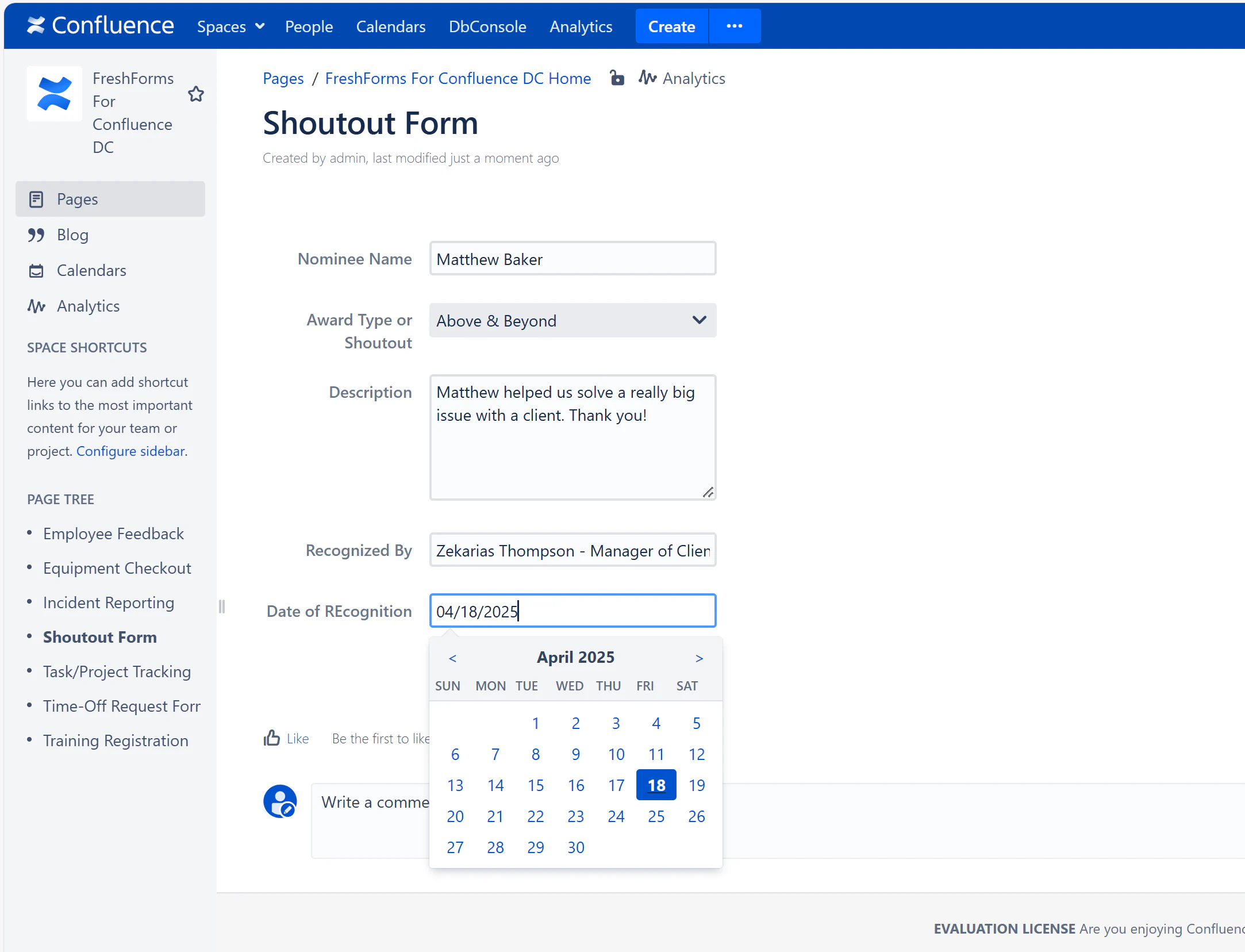
Any team member can fill out the form to recognize a peer or team. Add a personal message to explain the nomination or kudos.
Entries appear in a clean, sortable table — or use a TableView macro for a more visual “Wall of Fame.” Filter by award type or timeframe (e.g., monthly winners).