Title here
Summary here
Transform Confluence into a lightweight task manager. Assign owners, set due dates, and monitor task progress using the Status field. Great for small teams who want visibility without switching tools.
Include these fields to create a streamlined task tracker:
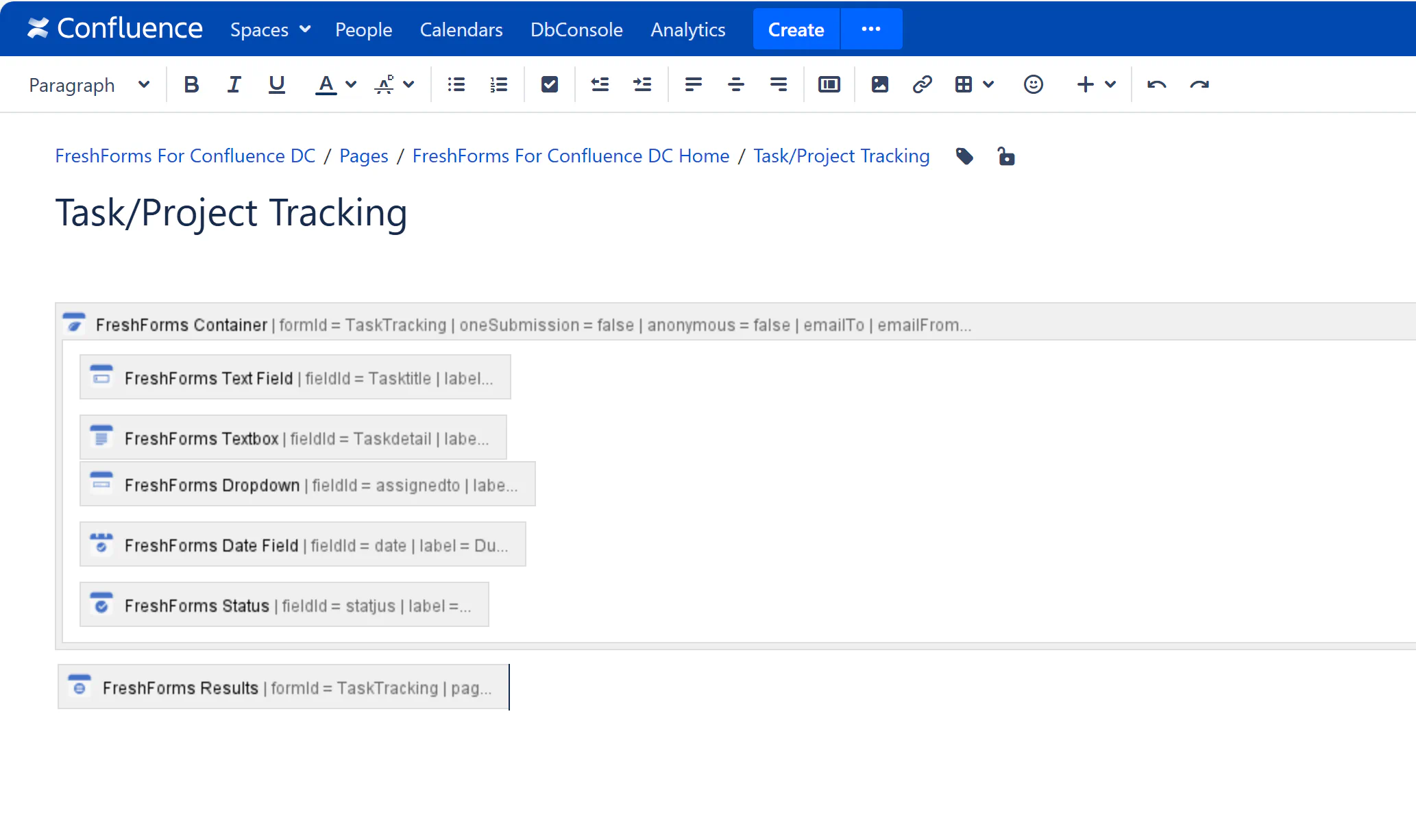
Users or project managers can log new tasks quickly with all relevant details. Task status can be updated later as work progresses.
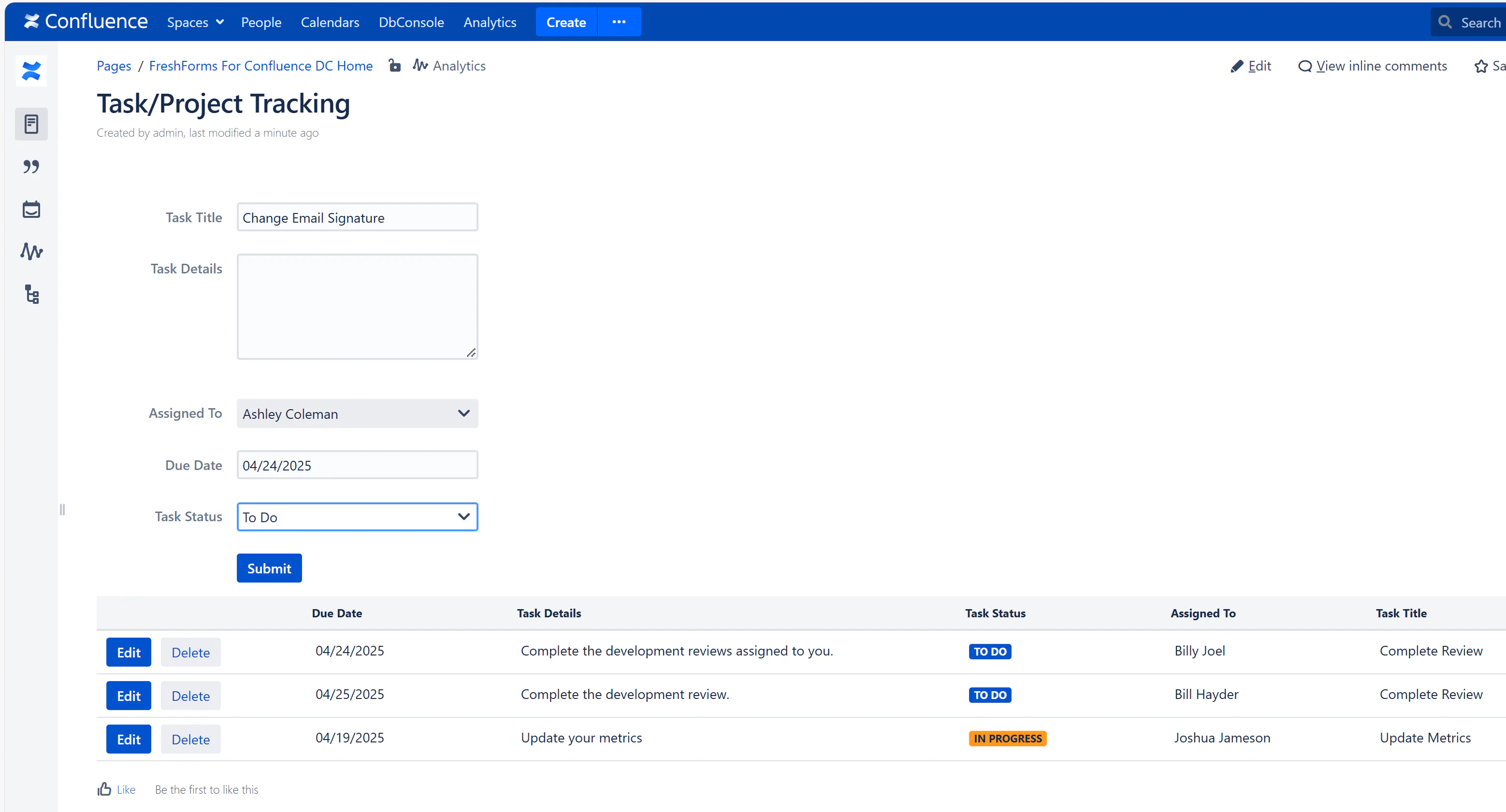
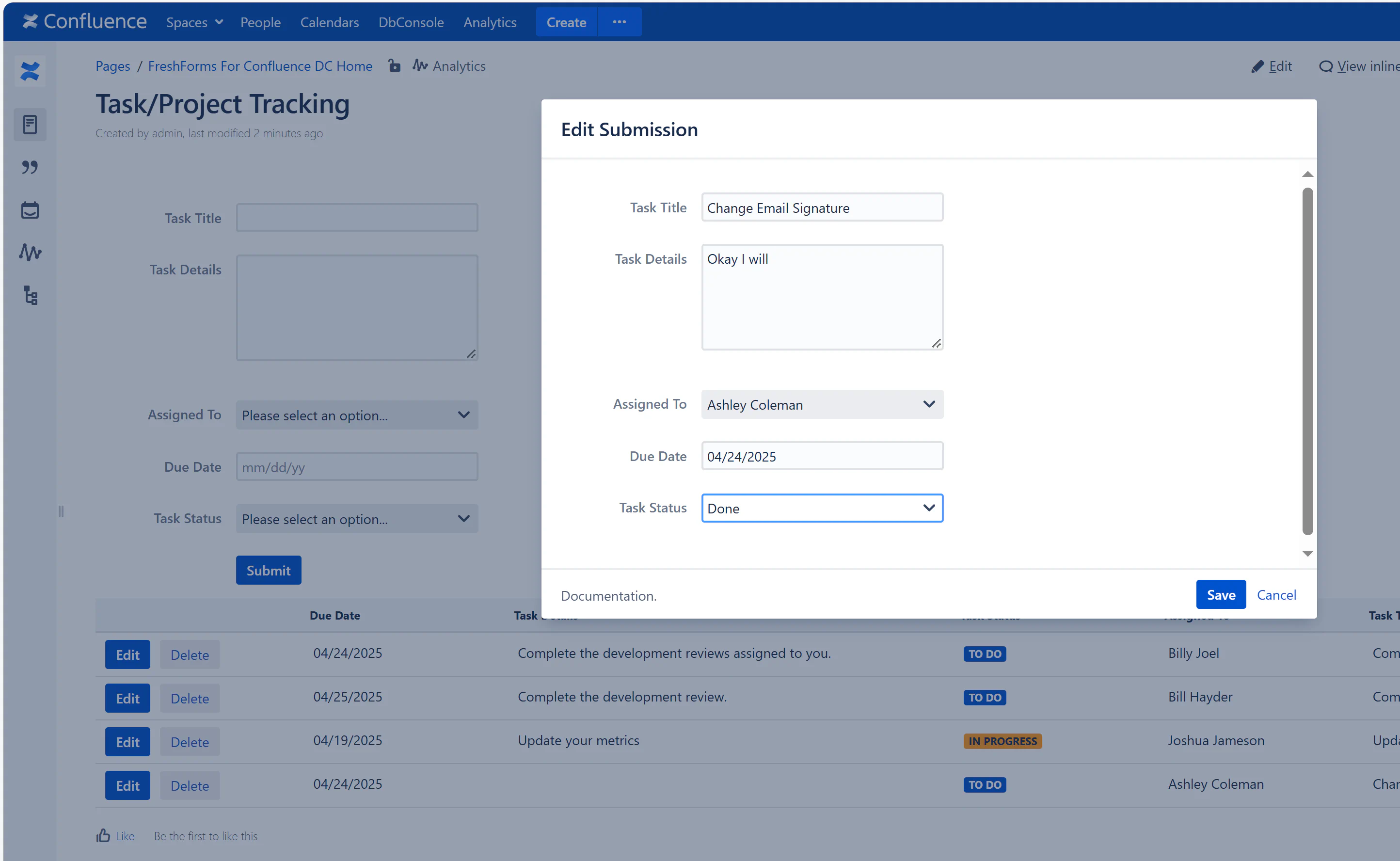
All submitted tasks appear in a table where you can filter by status, sort by due date, or update task statuses on the fly — ideal for daily stand-ups or sprint tracking.